Cali - The Calendar App
Day, week, month, year. One swipe away.
No pinching, no zooming - just swipe between five focused views.

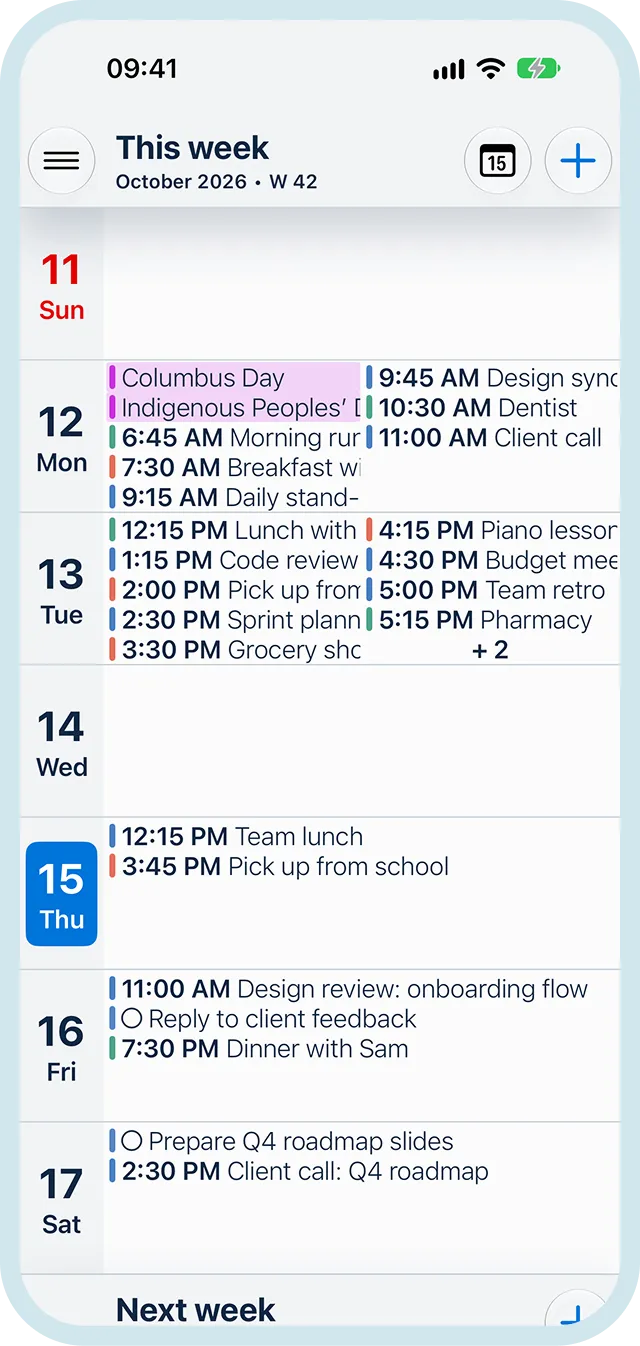
Simple by design
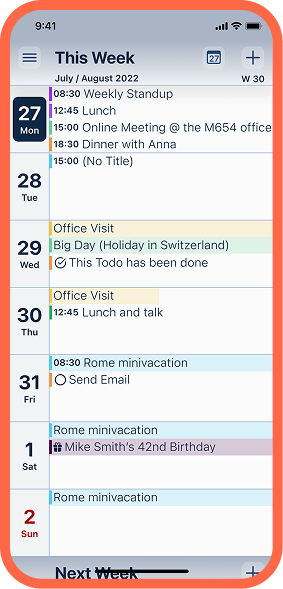
Everything, built in
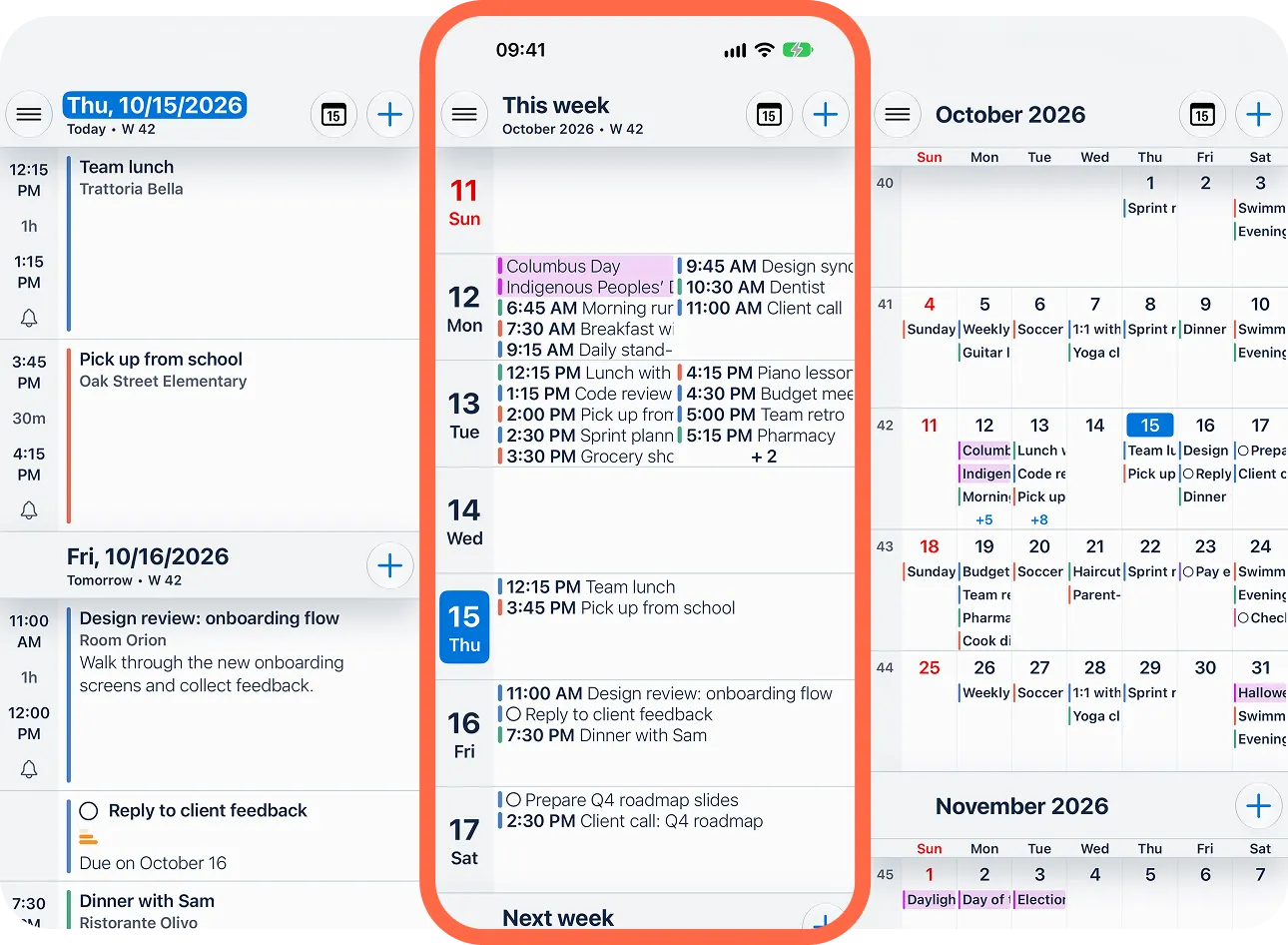

Just swipe. Anywhere.
Swipe horizontally to switch between day, week, month, and year. Swipe vertically to move back and forth in time.

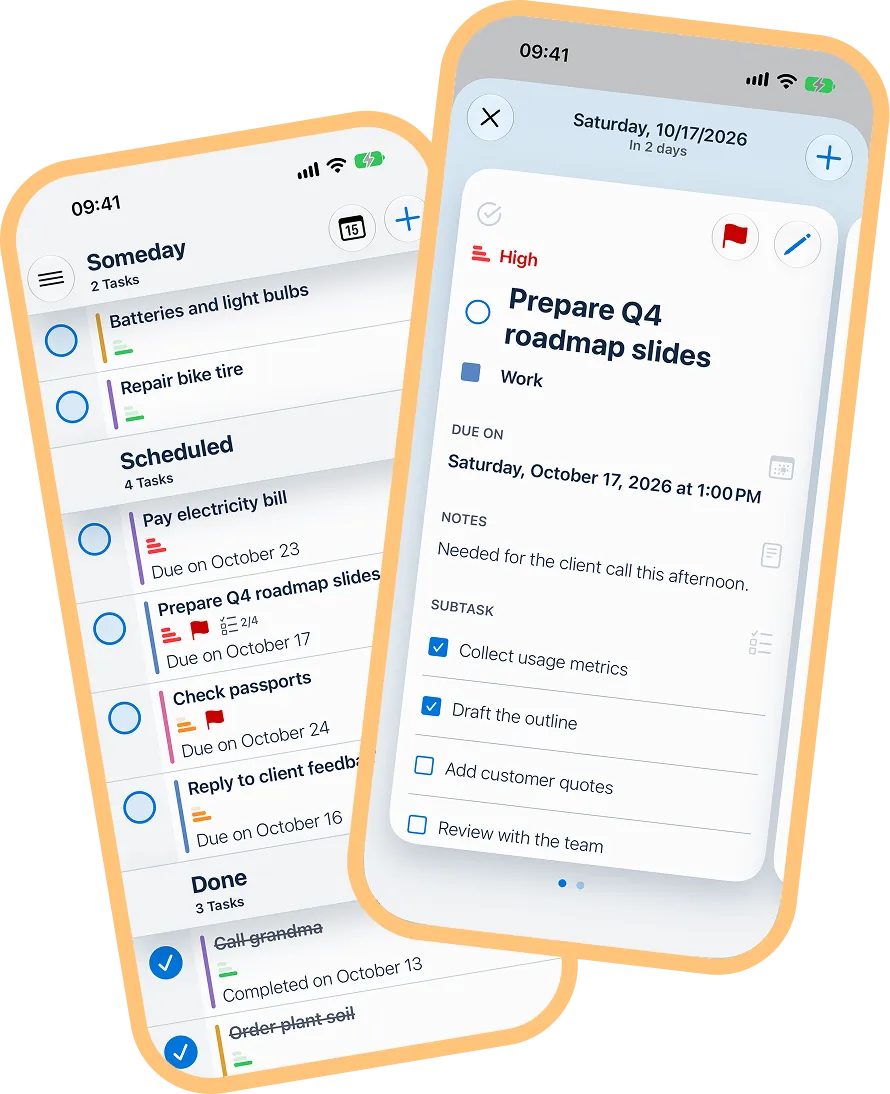
Not just events. Tasks too.
A full task list, built right into your calendar. Add due dates, priorities, subtasks, and a color for each category — no second app needed.
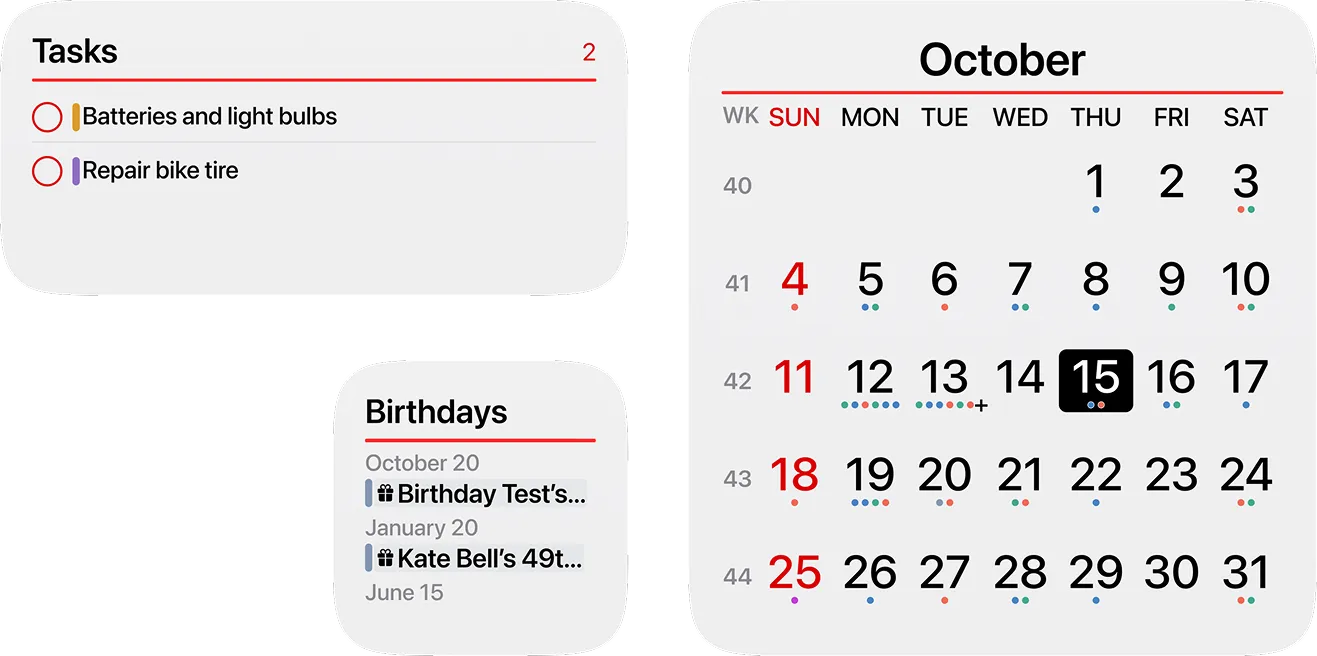

Widgets. Right on your home screen.
Add widgets for upcoming events, your month, today's date, birthdays, and tasks. Each one comes in multiple sizes.

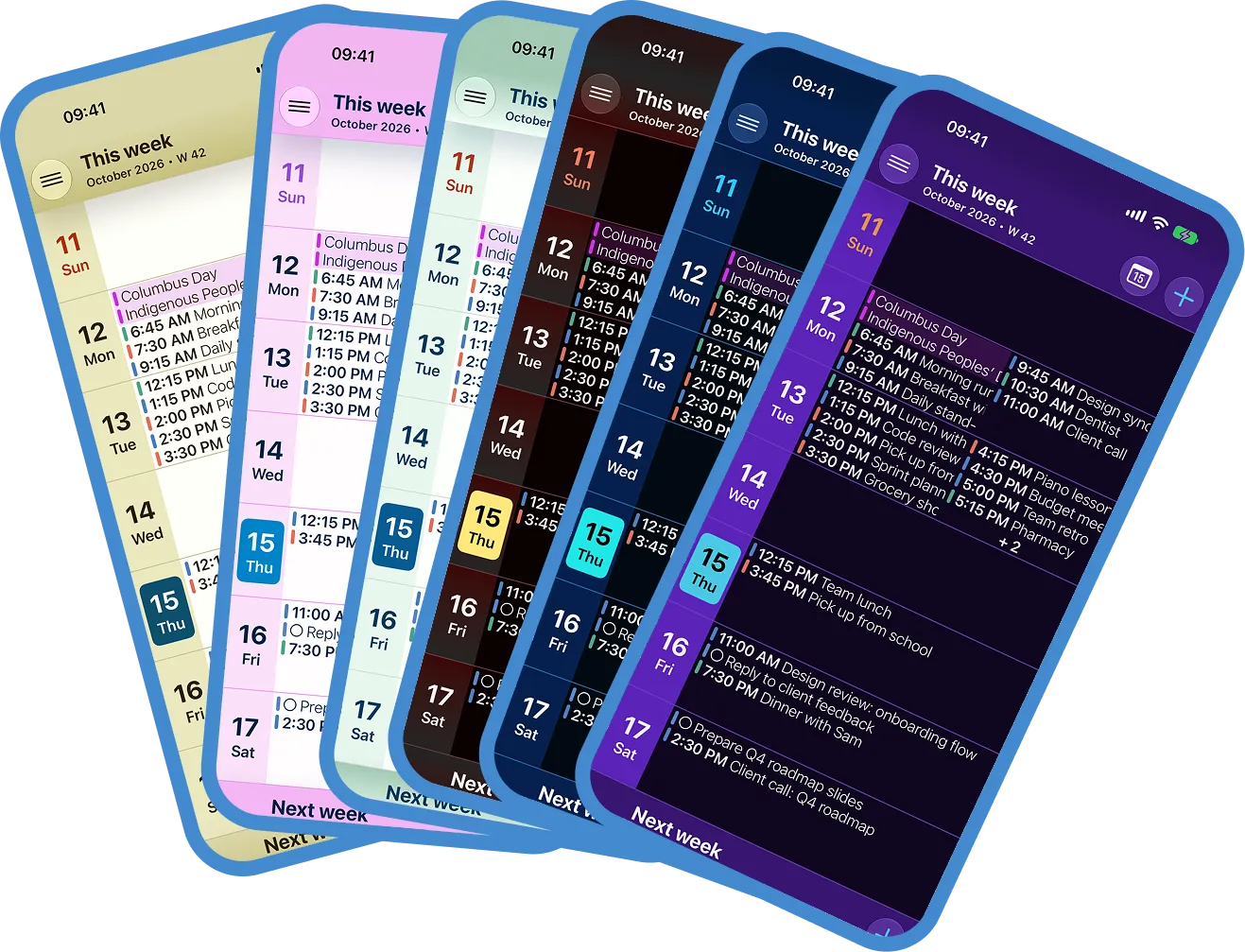
Many Themes. In light and dark.
Pick from a wide range of color themes, each available in light and dark mode. Every theme comes with its own app icon — and you can also choose a different one on its own.
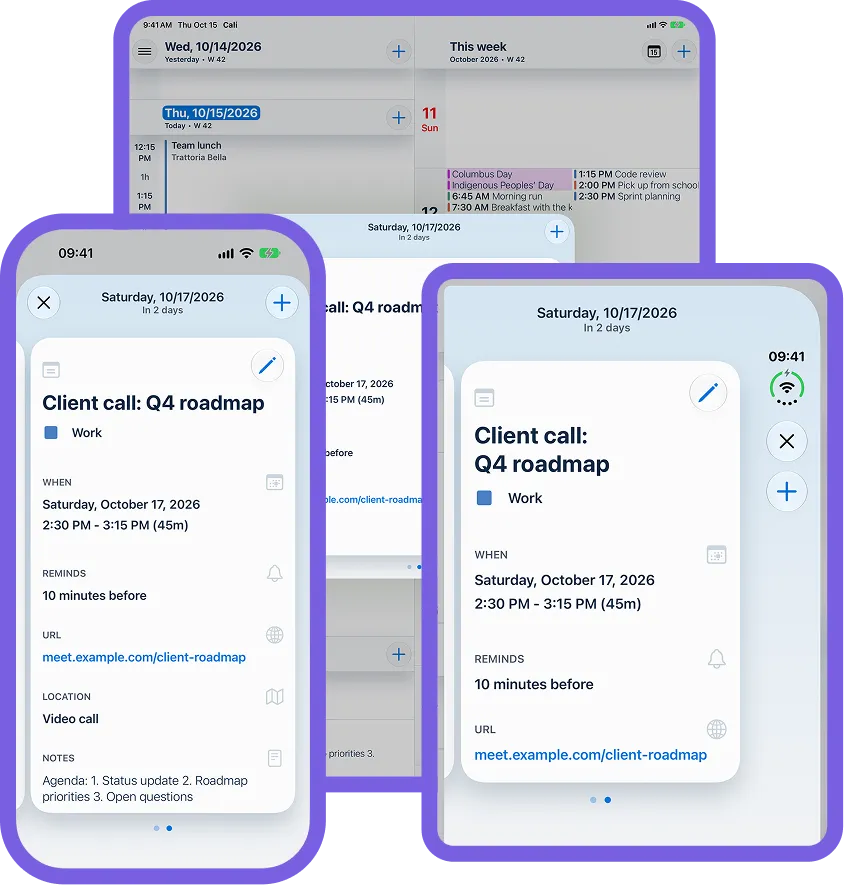

Compatible. Your calendar stays yours.
Cali works with the calendars already set up on your device — iCloud, Google, or Microsoft Exchange. Use it right alongside Apple's own Calendar app. Your events stay exactly where they've always been and keep syncing across your devices, just like before. Privacy comes built in: Cali doesn't save your events on its own servers.